Vicks Vaporub Transparent PNG
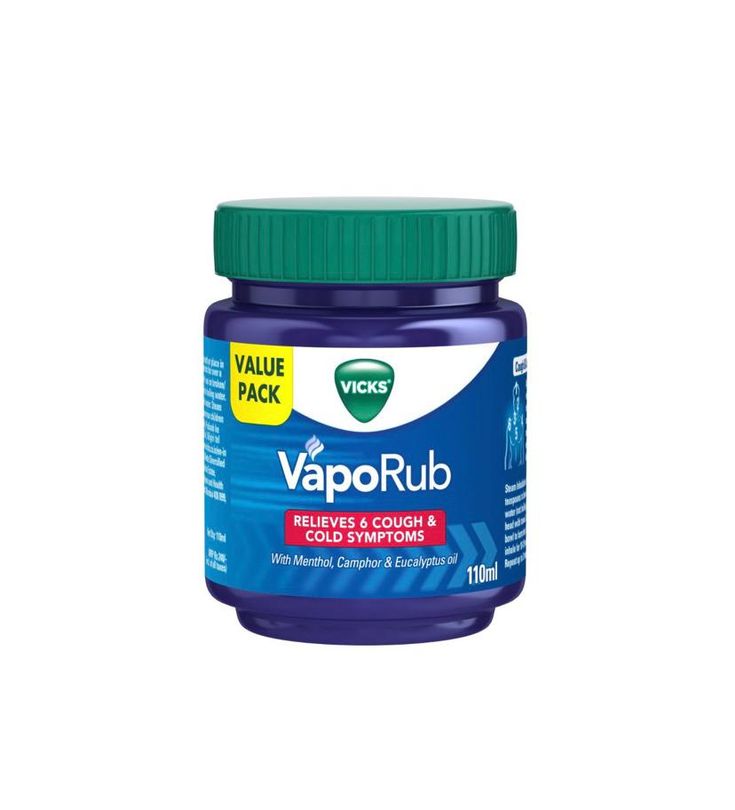
Discovering a transparent PNG of Vicks VapoRub? You're in the right place! We've all seen the iconic blue jar, but have you ever wondered what it would look like without its packaging? Today, we're going to explore the world of transparent PNGs, specifically focusing on one featuring the familiar Vicks VapoRub logo.
But first, what exactly is transparent PNG? PNG, which stands for Portable Network Graphics, is a file format that supports lossless data compression. When it comes to transparency, PNG offers an alpha channel, making it an excellent choice for graphics that need to blend seamlessly into different backgrounds. Now, let's dive into our main topics: sourcing and using the Vicks VapoRub transparent PNG.
Sourcing the Vicks VapoRub Transparent PNG
Finding high-quality, transparent PNGs requires a bit of sleuthing. Websites like Vecteezy, Pngtree, and even Google Images can be your best friends in this quest. However, be mindful of copyrights and only use images that are free for commercial use or are in the public domain.


Here's a simple step-by-step guide to help you in your search:
- Visit your preferred search engine or image website.
- Type in your keywords, e.g., "Vicks VapoRub logo transparent PNG."
- Apply filters like 'Transparent' or 'PNG' to refine your search.
- Scroll through the results, paying close attention to the image dimensions and source to ensure you find the right one for your needs.
Ensuring PNG Quality and Compatibility
Once you've found your transparent PNG, check its quality and compatibility. PNGs should maintain their clarity at various sizes without pixelating. Also, ensure the image displays correctly across different devices and platforms.


To do this, view the image on various screens and zoom in to check for any loss in quality. You can also use online tools like "Can I Use" to check browser compatibility.
Resizing and Optimizing Your PNG
Before using your newly sourced PNG, you might need to resize or optimize it. This is especially important for web use, where large file sizes can slow down your website's loading speed.
Tools like Adobe Photoshop, GIMP, or online converters can help you resize your PNG. To optimize the file, use tools like TinyPNG or Squoosh. These compress your PNG file without significant quality loss, helping your website load faster.


Creative Uses for Your Vicks VapoRub Transparent PNG
Now that you have your Vicks VapoRub transparent PNG, let's explore some creative ways to use it. From design projects to educational purposes, here are some ideas:
Branding and Marketing
Create branded content featuring the Vicks VapoRub logo. This could be anything from social media graphics to merchandise designs. The transparent PNG allows for seamless integration into various design projects.
For example, you could create a promotional graphic with the Vicks VapoRub logo subtly integrated into a design, symbolizing relief from cold and flu symptoms.


Educational Purposes
Transparent PNGs can be useful in educational content. Create informative graphics explaining how Vicks VapoRub works, its ingredients, or its history. For instance, you could create an infographic with the Vicks VapoRub logo and other related images to illustrate a lesson on herbal remedies.
Incorporating the logo into your educational materials can make learning more engaging and interactive.
In the end, the Vicks VapoRub transparent PNG opens up a world of creative possibilities. Whether you're a designer looking to add a touch of branding to your projects or an educator seeking to engage students with interactive content, this PNG format offers endless opportunities. So, start exploring, and happy designing!
Related Articles
Vicks Vaporub Transparent PNG
Have you ever glanced at an product image and found it murky or unclear? This could hinder your decision-making, especially when shopping online. Imagine the...

Does Vicks VapoRub Really Melt Belly Fat? User Reviews & Facts
When it comes to weight loss, there are countless products and remedies that claim to melt away fat. One such product that often sparks curiosity is Vicks...

Vicks VapoRub for Stomach Relief: A Powerful Remedy
Vicks VapoRub is a popular over-the-counter topical ointment known for its soothing properties, particularly for relieving symptoms of common colds and coughs...

Vicks Vaporub & Salt: The Surprising Remedy for Bruises
Have you ever found yourself nursing a bruise, wondering if there's a simple home remedy that could speed up recovery and alleviate the pain? You might have...

Vicks Vaporub and Saran Wrap Hacks: Unveiled
Vicks VapoRub and Saran Wrap might seem like an unlikely pair, but they've been used together by many people to create a DIY vaporizer or humidifier during...

Vicks Vap’Orub Balsamo: Soluzione Naturale per i sintomi del Raffreddore
Vick VapoRub Balsamo, a legendary remedy in Italian households, has been trusted for generations to soothe coughs, relieve congestion, and provide quick relief...