Turkey Flag Transparent Background
The turkey flag, officially known as the "Great Seal" of the country, is a symbol of unity, nationalism, and freedom. Its design is instantly recognizable, featuring a regal turkey center stage, nestled within a wreath of olive branches and oak leaves. But have you ever needed to use a transparent version of the turkey flag in a design, a collage, or perhaps a digital project? Let's dive into how you can find, download, and use this important national symbol on a transparent background.
In the digital age, transparency is key. Whether you're creating a patriotic desktop wallpaper, adding a touch of national pride to your social media profile, or working on a scholarly project that requires a transparent turkey flag, having a high-quality image with a transparent background is essential.
The hunt for a transparent turkey flag
You might initially be disheartened by the lack of transparent turkey flag images when you search online. Most images you'll find have a white background, which might not be suitable for your needs. But fear not, resources like Wikimedia Commons, Veteran Affairs, and even third-party graphic design websites often offer transparent alternatives.


As you explore these resources, remember that some websites might require you to adhere to their licensing terms. Always check the image description or usage guidelines to ensure you're not breaching any copyright laws.
Wikimedia Commons
Wikimedia Commons is a treasure trove of free and transparent images, including the turkey flag. You can find the transparent version by searching "Turkey Flag Transparent" and filtering the results by "Transparent" in the sidebar. Usually, you'll find vectors and PNG files with transparent backgrounds.


Bear in mind that some images on Wikimedia Commons might have specific attribution requirements. Always check the licensing information and provide attribution where necessary.
The U.S. Veteran Affairs website
The U.S. Veteran Affairs website has an array of official government symbols, including a transparent turkey flag. You can download the vector version, which typically comes as an SVG file with a transparent background. These files are often high-quality and include multiple iterations of the flag design.
Using official government symbols comes with clear usage guidelines, making your project compliant with national laws and regulations.


Using a transparent turkey flag in your project
Once you've found and downloaded your transparent turkey flag, it's time to integrate it into your project. For design software like Adobe Illustrator, Photoshop, or even online tools like Canva, the process is straightforward. Here's a quick guide on how to use the transparent flag:
1. Open your design project. 2. Create a new layer or select an existing one. 3. Import the transparent turkey flag file into your project. 4. Resize and position the flag as needed. 5. Adjust opacity if desired, and you're done!
Ensuring proper flag etiquette
Using a transparent turkey flag in your project isn't just about aesthetics; it's about respecting the symbol and adhering to flag etiquette. Make sure to position the flag as it would fly in the air, with the stars facing up and the turkey and stars align to the observer's right. If your project requires the flag to be displayed vertically or horizontally, ensure that the turkey and stars are at the top.


Remember, the turkey flag is a symbol of our freedom and heritage. Treating it with respect shows your pride and patriotism.
In the vast digital landscape, finding and using a transparent turkey flag might seem challenging at first. But with the right resources and knowledge of where to look, you can quickly find a high-quality, transparent image to incorporate into your project. Happy creating!
Related Articles
Turkey Flag PNG Transparent Background
The turkey flag, an iconic symbol of the Republic of Turkey, is a distinctive sight on official buildings and events worldwide. But what if you need a version...
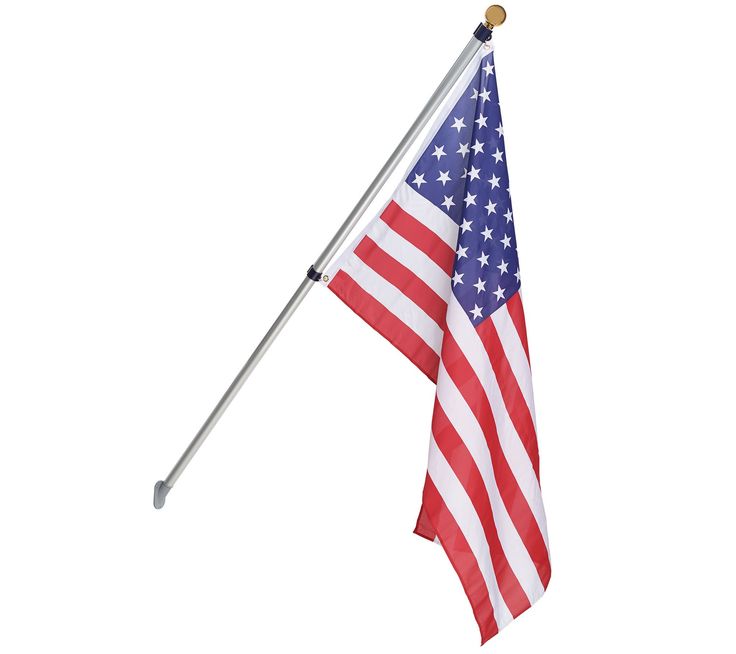
American Flag on Pole with Transparent Background
The American flag, a symbol of unity, freedom, and patriotism, is a ubiquitous sight on poles across the nation. But what if you need an image of the American...

Turkey Flag PNG Transparent Image
Looking for a high-quality Turkey flag in PNG format? You've come to the right place. The Turkish flag is a national symbol, a rectangle divided into three...

Open Bible: Transparent PNG
Looking to add a touch of spiritual insight to your digital world? An "Open Bible with Transparent Background" might just be what you're seeking. This modern...

transparent Forex Currency Symbols
In the dynamic world of forex trading, understanding currency symbols is a trivial yet crucial aspect that often gets overlooked. While we are all familiar...

Falcon Logo Transparent Background
Falcons, known for their swiftness and keen vision, have been a symbol of strength and agility for centuries. In the modern era, these birds of prey have found...