Transparent Tic Tac Toe PNG Graphics
Ever found yourself in need of a sleek, transparent Tic Tac Toe board for your next graphics project? You're in the right place. We're going to delve into the world of Tic Tac Toe transparent PNG files, exploring their uses, where to find them, and even how to create your own.
Transparent PNGs are particularly useful when you want to overlay graphics onto existing images or designs without losing the original content's visibility. Tic Tac Toe boards, with their intricate 3x3 grid and nine individual cells, are a perfect fit for this format.
Understanding Tic Tac Toe Transparent PNGs
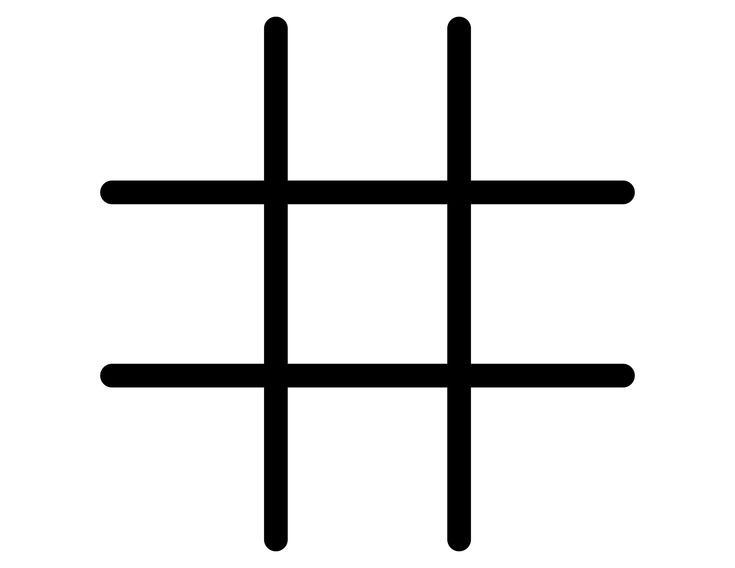
Tic Tac Toe transparent PNGs are digital images that depict a Tic Tac Toe board in the Portable Network Graphics (PNG) file format. The 'transparent' aspect refers to the image's background, which is see-through, allowing the underlying content to shine through.


The format is widely supported across various platforms and devices, making it a universally compatible choice for your design needs.
Why Use Tic Tac Toe Transparent PNGs?
Tic Tac Toe transparent PNGs offer several benefits. They can be easily layered over other images or designs, retaining the background's color and essence. This is particularly useful when you want to incorporate a game element into an existing layout without disrupting its aesthetic.


Moreover, transparent PNGs maintain their quality at different sizes, making them versatile for both web and print projects.
Where to Find Tic Tac Toe Transparent PNGs
There are several resources online where you can find free Tic Tac Toe transparent PNGs. Websites like Pngtree, Vecteezy, and Freepik offer high-quality, royalty-free images that you can use in your projects. Always remember to check the licensing terms before downloading.
Alternatively, you can create your own unique Tic Tac Toe board using graphic design software like Adobe Illustrator or Inkscape. This allows you to customize the design to fit your specific requirements.


Creating Your Own Tic Tac Toe Transparent PNG
Creating your own Tic Tac Toe transparent PNG involves a few simple steps in any standard graphic design software. Here's a brief guide:
1. Start by creating a new document and setting the dimensions to your desired board size. Typically, a 300x300 pixel grid with 10x10 pixel cells works well.
2. Draw a 3x3 grid using horizontal and vertical lines. You can use guides to ensure straight, even lines.


Customizing Your Tic Tac Toe Board
Once you have your basic grid, you can customize it to your heart's desire. Add esophageal lines, change the line color or width, or even switch to a filled-in board style.
Don't forget to leave one layer transparent for the final image. This will ensure your board maintains its see-through background when exported as a PNG.
Exporting Your Tic Tac Toe PNG
After you've finished designing your board, export it as a PNG file. In most software, you can do this by going to 'File' > 'Export' and selecting 'PNG' as the file format. Make sure 'Transparency' is checked to maintain your board's see-through background.
And there you have it! Your very own custom Tic Tac Toe transparent PNG ready for use in your projects.
Now that you're equipped with all the knowledge you need about Tic Tac Toe transparent PNGs, it's time to put it into practice. Whether you're creating a fun game interface or adding a playful touch to your designs, remember that the right image can make all the difference. Happy designing!
Related Articles

Transparent Ship Graphics: Free PNGs with Transparent Backgrounds
Achieving a transparent background for your ship in a game or 3D project can be a surprisingly complex task, but it's certainly not impossible. It's a critical...

Transparent Chimney Clipart: Free & Downloadable Vector Graphics
Imagine enhancing your graphic projects with a unique, often-overlooked element: transparent chimney clipart. This distinct type of clipart, as the name...

Transparent Drum Set Images for Web and Graphics
Ever dreamed of showcasing your drum kit in a sleek, studio-like setting? A transparent background for your drum set allows you to do just that, making your...

Ink Droplets PNG: High-Quality Transparent Graphics for Design
Dive into the digital realm of graphics, and you'll Soon encounter a plethora of valuable resources like ink droplets PNG . These high-quality, transparent PNG...

Chalk Farm Sign Transparent Graphics
The Chalk Farm tube station sign, famously transparent, is an iconic example of functional art in urban design. This unique feature, visible as you disembark...

Ice Cream Emoji Transparent: Unveil Your Sweet Messages
The ice cream emoji has become a staple in daily online communication, representing a universal delight that breaks language barriers. However, sometimes, a...