Eye-Catching Quote Banner Gif: metrosseolife
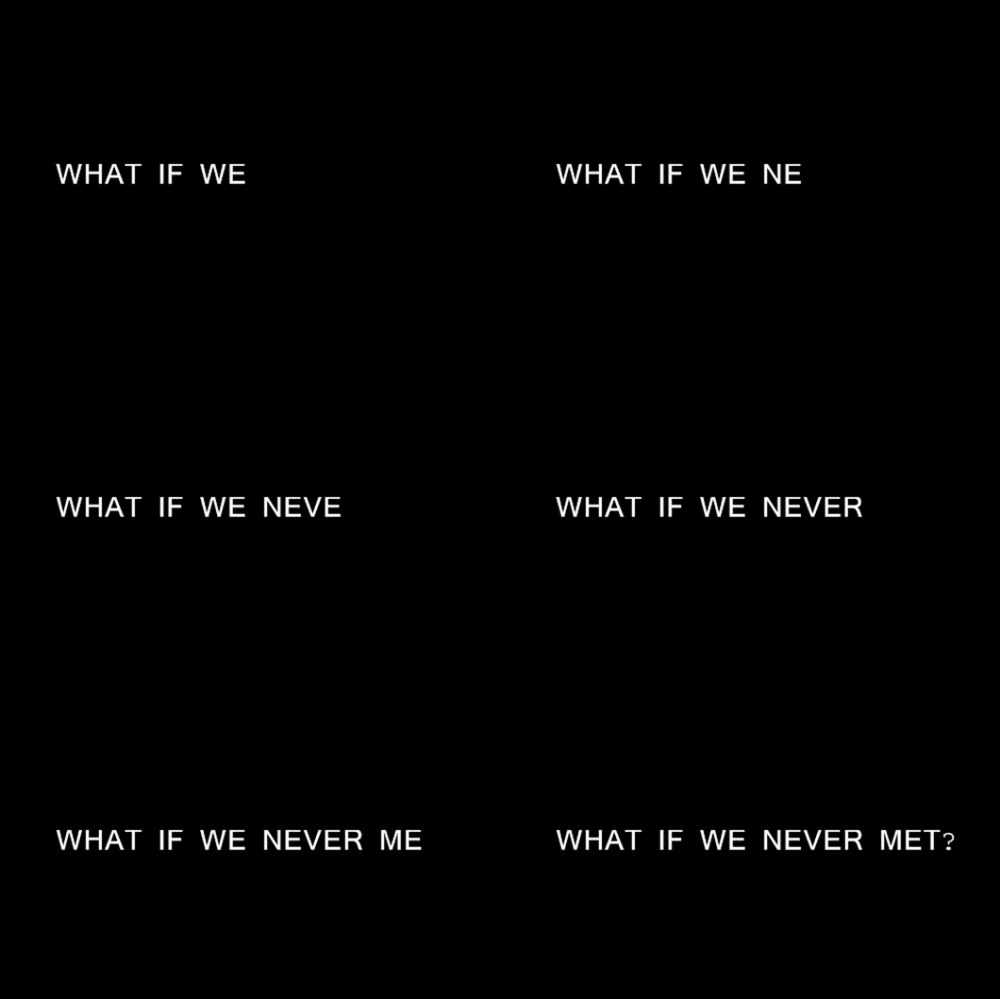
Ever found yourself wanting to add a touch of dynamic flair to your website or project? Meet the quote banner gif, an engaging way to display memorable quotes or catchy phrases that capture attention and evoke emotion. These animated images are not only visually appealing but also offer an interactive experience for users.
In a world filled with static content, quote banner gifs stand out as a fresh and lively alternative. They're perfect for adding a bit of humor, inspiration, or intrigue to your webpages, making them an excellent tool for enhancing user experience and boosting engagement.
Creating a Quote Banner GIF
Creating a quote banner gif involves a few simple steps. With the right tools and a bit of creativity, you can design dynamic quote graphics that add value to your content.


Here, we'll briefly explain the process. We'll delve deeper into the individual steps later in this article.
Choosing Your Quote and Font
Selecting the right quote is crucial. It should resonate with your audience and tie in with your content. Similarly, the font you choose should be legible, suit the quote, and align with your site's overall aesthetic.


The font size and style can also influence the gif's overall impact. For example, larger, bold fonts can draw more attention and create a stronger impression.
Designing the Gif's Background
The background of your quote banner gif sets the mood and provides context. It could be a solid color, an image, or a pattern that enhances the quote's message or reflects your brand.
Consider using complementary colors or relevant images to make the quote pop. For instance, if your quote is about love, using soft pastels with a heart-shaped background might be fitting.


Optimization for Web Use
Quote banner gifs can quickly consume website bandwidth if not properly optimized, leading to slow loading times. Optimizing your gifs ensures fast load times, improves user experience, and enhances your site's performance.
Bear in mind that smaller file sizes do not mean sacrificing quality. With the right tools, you can strike a balance between file size and visual quality.
Understanding File Size and Dimensions
The file size of a gif largely depends on its dimensions, the color palette, and the complexity of the animation. Larger dimensions and complex animations can significantly increase file size.




To keep file sizes manageable, stick to a reasonable dimension, like 600x300 pixels, and use simple animations. You can always resize and adjust as needed during optimization.
Setting an Appropriate Frame Rate and Loop Count
The frame rate, or how many images are displayed in one second, affects both the gif's smoothness and its file size. A higher frame rate increases smoothness but also bloats the file size.
For quote banner gifs, 5 to 10 frames per second is usually sufficient. The loop count, or how many times the gif repeats, should depend on the message's importance and the content's longevity.
Gifs with longer loops or higher frame rates may be more noticeable but could also be distracting. It's crucial to balance noticeability and distraction to keep users engaged rather than annoyed.
Tools for Creating and Optimizing Gifs
Several user-friendly tools can help you create and optimize quote banner gifs. Some are web-based, while others are software you can download and install on your computer.
Online Tools
Online tools offer the advantage of accessibility and convenience. Many are free or have free versions, making them budget-friendly options. Some popular options include:
- GIFmaker.me
- Biteable
- Ezgif.com
These platforms provide intuitive interfaces and tutorials to guide you through the gif-making process.
Software Tools
If you're looking for more robust features or want to create more complex gif animations, consider downloading software tools like:
- GIMP (GNU Image Manipulation Program)
- Adobe Animate
- Pencil2D
Remember, the tool you choose depends on your specific needs, technical skills, and budget.
Quite apart from being visually appealing, quote banner gifs serve a practical function: breaking up text-heavy pages, engaging users, and lurking pesky bots. They're a winning combination of style and substance, offering a dynamic way to deliver engaging content that's sure to catch the eye and spark interest.
Related Articles

"Eye-Catching Restaurant Banners: Boost Curb Appeal & Appetites"
In the competitive world of gastronomy, creating the right first impression is crucial. This is where a well-designed banner for restaurant comes into play. A...

Good Bandcamp Header Ideas: How to Create an Eye-Catching Banner
Crafting an engaging and informative header for your Bandcamp profile can significantly amplify your presence, connect better with your audience, and...

Car Banner Designer: Create Eye-Catching automotive Graphics
When it comes to car detailing and customization, one of the most impactful and cost-effective ways to personalize your vehicle is by investing in custom car...

What Is the Ideal Banner Size for Your Website?
The size of a website's banner, also known as a header, can significantly impact user experience and website aesthetics. However, it's a topic that often gets...

Jade Regent Banner: Enhance Your Website's Aesthetic
When the subject of exquisite and historic banners arises, one name often stands out: the Jade Regent Banner. This iconic symbol, synonymous with the Qing...

What Banner Resolution for Large Sizes: The Ultimate Guide
When creating a large banner for your business, event, or promotional campaign, selecting the right resolution is crucial to ensure your design looks crisp and...