Top View Person PNG: Free Download & Transparent
Looking for a unique and engaging way to represent a character in your digital project? Consider using a person top view PNG image. With a top-down perspective, these images offer a fresh and creative take on character design, perfect for various applications such as games, animations, and web graphics. They allow for unique gameplay mechanics and visual styles.
One of the main advantages of person top view PNGs is their versatility. They can be easily integrated into any project, thanks to their small file sizes and transparent backgrounds, allowing them to blend seamlessly with your existing assets. Plus, they're incredibly easy to modify and animate, making them an attractive choice for developers and designers alike.
Where to Use Person Top View PNGs
Top view PNGs can be utilized across an array of digital media, enhancing the user experience and enriching the visual narrative. Here are a few application ideas:


1. **Games**: Top view characters are a staple in platform games and puzzle games. They're perfect for 2D or 3D games, providing a unique vantage point for challenges and obstacles.
Top View PNGs in 2D Games
For 2D games, top view PNGs can create a classic, retro feel. They're perfect for platformers, side-scrollers, and even role-playing games. The overhead view allows players to see more of the game world and plan their moves effectively.


The detailed and expressive designs of top view PNGs can make even simple characters engaging and charming. Plus, they're a breeze to animate, making them an excellent choice for time-constrained projects.
Top View PNGs in 3D Games
In 3D games, top view PNGs can be used to create a distinctive look or to represent certain characters or NPCs. They can also be employed to create a minimap or overhead mini-game within the main game.
Moreover, combining top view and 3D elements can create unique gameplay mechanics. For instance, top view can be used for planning and strategy, while 3D perspective can be used for action sequences.


Creating and Manipulating Person Top View PNGs
Designing or modifying top view PNG characters can be a rewarding process. Here are some tips and tools to help you:
1. ** Design Software**: Use graphic design software like Adobe Photoshop, Illustrator, or open-source tools like Inkscape and GIMP. These tools provide you with the necessary features to create and edit PNG files.
Design Tips for Top View Characters
1. **Pose**: Choose a dynamic and clear pose for your character. This will help players understand the character's purpose and actions at a glance.


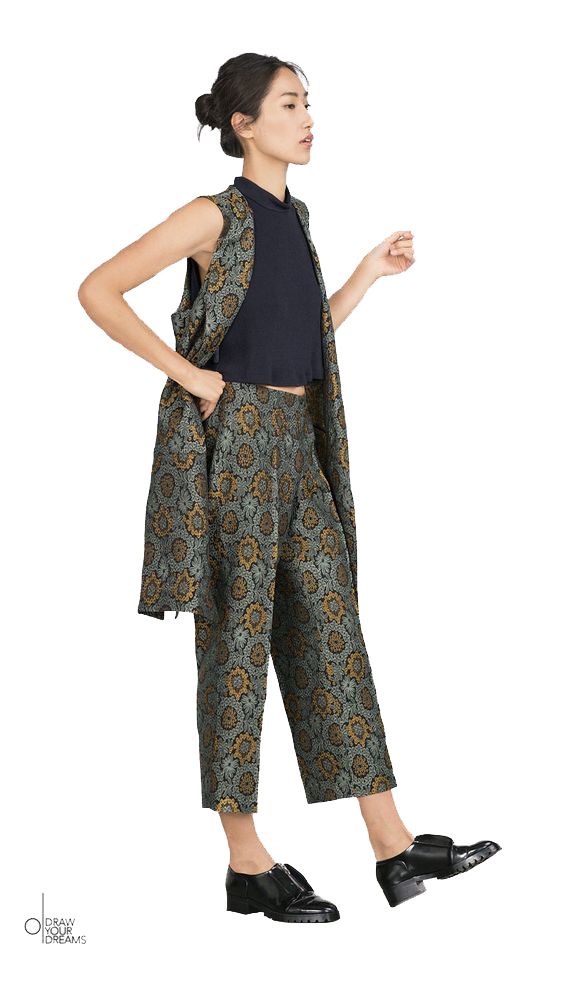


2. **Simplification**: Since top view characters are typically smaller than regular side view characters, simplify the design to avoid losing details.
3. ** hyökkäys**:** Use bold outlines to make the character pop against the background. This is particularly important when using transparent PNGs.
Top view PNGs offer an exciting and creative way to represent characters in your digital projects. From their unique perspective to their versatility in various applications, they're a valuable asset to have in your graphics toolbox. So, why not give them a try in your next project? You might just find that they're exactly what your game, animation, or web design needs.
Start exploring the world of top view PNGs today and unlock a new dimension of creativity in your digital projects. And remember, sometimes all you need is a different perspective to make something incredible.
Related Articles
Person Top View PNG
Ever found yourself in need of a top-down view of a person for a project or design? Whether you're a designer, a developer, or simply someone looking for...

Transparent Person Icon: Download Free PNG & SVG
Are you in search of the perfect visual representation for your user interface or graphical design project? Look no further than the "person icon transparent"...

Paper Planes PNG Images: Free Download & Transparent Vectors
Paper planes, an iconic staple of childhood creativity and ingenuity, have found a new home in the digital world, with "paper planes PNG" becoming a popular...

Red Kiss PNG - Free Download Transparent Images
Are you on the hunt for the perfect graphic to convey affection? Look no further than the "red kiss png". This iconic image has become synonymous with love and...

YHWH Name PNG: Download Free Transparent Images
Delve into the fascinating world of religious iconography with YHWH Name PNG, a high-resolution graphic representation of the unpronounceable proper name of...

Transparent PlayStation Logo: Download Free High-Quality PNG
The iconic PlayStation logo is instantly recognizable to gamers worldwide. Often, enthusiasts and designers may need a transparent version of this logo to...