"Create Engaging HTML Flip Books"
Did you know that you can turn your static HTML content into an engaging, interactive digital book? Meet the HTML flip book, a revolutionary way to present content on the web. But what exactly is an HTML flip book, and how can you create one? Let's dive right in.
An HTML flip book, also known as a digital flipbook or online flipbook, is an interactive digital publication made from HTML, CSS, and JavaScript. It mimic the look and feel of a traditional print book, complete with pages that can be "flipped" using a mouse or touchscreen. HTML flip books aren't just great for online magazines and catalogs; they're also perfect for presenting interactive web apps, product manuals, and more.
Why Use HTML Flip Books?
HTML flip books offer a plethora of benefits. They're interactive, mobile-friendly, and easy to update. Plus, they provide valuable analytics and can be SEO-optimized, ensuring your content reaches the right audience.


But perhaps the most compelling reason to use HTML flip books is user experience. In a world of scrolling content, a flip book experience can captivate and engage users, making your content stand out.
Engaging User Experience
Flip books provide a realistic reading experience, with users able to turn pages at their own pace. This mimicry of traditional books can increase reader engagement and retention, especially for long-form content.


Moreover, flip books offer an immersive reading experience, transporting users from their web browser to a completely captivating digital environment. This can dramatically increase user engagement and time spent on your content.
SEO Benefits
HTML flip books aren't just visually appealing; they're also search-engine-friendly. Search engines can crawl the content within the flip book, making it discoverable to users searching for relevant keywords.
Additionally, the interactive nature of flip books can increase dwelling time and reduce bounce rates, which can boost your site's search engine rankings. So, not only are HTML flip books great for users, but they're also a smart SEO strategy.
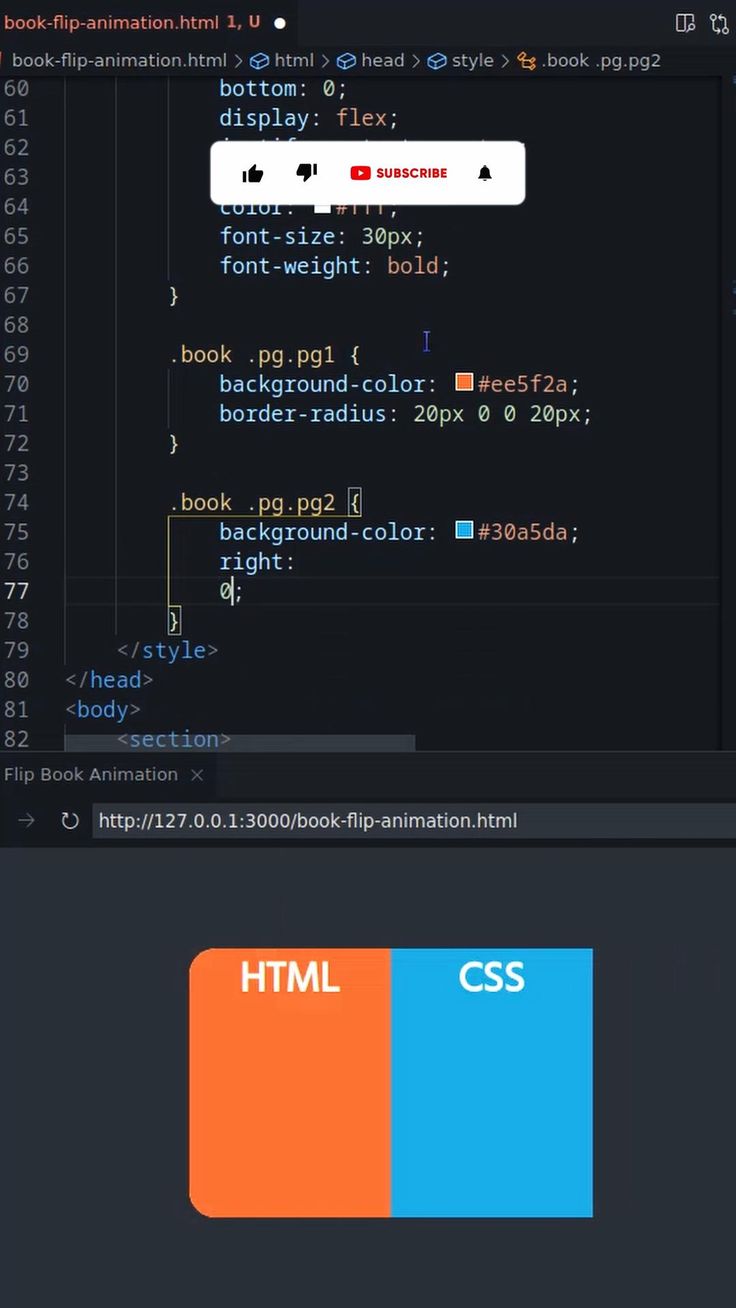


Creating Your First HTML Flip Book
Ready to create your first HTML flip book? It's easier than you think. There are numerous tools and frameworks available to help you turn your static HTML content into an interactive flip book.
One popular choice is the jQuery Page Scroll library. It's a simple, lightweight solution that transforms regular HTML content into a scrollable, book-like layout. Other options include the FlipBook library and the excellent jQuery FlipBook plugin.
Library Choice: jQuery Page Scroll
Here's a simple example using the jQuery Page Scroll library:


<div id="scroll">
  <div>Page 1</div>
  <div>Page 2</div>
  <div>Page 3</div>
</div>
And the jQuery code to initialize the flip book:
$('#scroll').pageScroll();
Adding interactivity with JavaScript
Once you've set up your flip book, you can enhance the user experience with JavaScript. You might add a table of contents for easy navigation, or integrate audio or video content to bring your pages to life.
Consider adding analytics to track user behavior. This can provide valuable insights into what's working (and what's not) in your flip book, allowing you to make data-driven decisions to improve its performance.
That's it! With these tips, you're ready to start creating engaging, interactive HTML flip books that captivate users and boost your SEO efforts. So, what are you waiting for? Start building your digital library today!
Related Articles
Create a Flip Book with Ease: Engaging Books in a New Format
Dive into the creative realm of digital publishing with flip books: an innovative, interactive, and stylish way to present your content. Also known as digital...

Create Your Own Flip Book: Easy DIY Steps
Creating a flip book, also known as a flick book or=nimation book, is a fun and rewarding DIY project that allows you to bring your artwork to life. With some...
Create Your Own Flip Book: A Step-by-Step Guide
Do you remember the joy of flicking through colorful pages, watching illustrations come to life? That's the magic of a flip book, or flick book, a simple yet...
Paper Craft: Create Your Own Flip Book
Introducing the paper flip book, a simple yet captivating printing innovation that has been captivating audiences worldwide for centuries. Whether known as a...

Kids Book Club: Fun, Engaging, Free Resources for Little Bookworms
Establishing a Kids Book Club (Vlub) can be an enriching experience for both children and adults. It's an excellent way to cultivate a love for reading...

Best Calisthenics Books: Master Bodyweight Exercises
Calisthenics, an ancient form of exercise that uses only one's body weight, has gained significant traction in recent years. The rise in popularity can be...