Transparent Flagpole Clipart
In the digital world, clip art plays a significant role in enhancing visual content, and transparency is a crucial attribute in varied design projects. One such versatile clip art element is the 'flag pole with transparent background,' offering designers multiple uses with its clean, see-through backdrop. Let's delve into the uses, acquisition, and customization of this essential graphic element.
Transparent flag poles are widely applicable in various graphic design tasks, such as logo creation, banner design, infographics, or even in animations. The transparent background ensures that the flag pole blends seamlessly with any design, drawing attention to the flag or other key elements, rather than the pole itself.
Sources of 'Flag Pole with Transparent Background' Clipart
There are numerous sources online where you can find flag pole clip art with a transparent background. Here are a couple of trustworthy websites:


1. **Wikimedia Commons**: A vast repository of free-to-use media, including images, offering high-quality, transparent flag pole clip art.
2. **Vecteezy & Freepik**: Both platforms provide premium-quality, mainly vector-based clip art. While some resources require subscription, they often offer free options too.


Ensuring Transparency in Flag Pole Clipart
When downloading clip art, ensure it's in PNG format, which supports transparency. Other formats, like JPG or BMP, typically have a white or colored background. You can also use image editing software to remove or make the background transparent if the clip art doesn't support it.
To check the transparency in flag pole clip art, use image editing software like Adobe Photoshop, GIMP, or even online tools such as Clipping Tool. Open the file, and check the background layer; transparent areas will show a checkered pattern.
Customizing the 'Flag Pole with Transparent Background' Clipart
After acquiring the right flag pole clip art, several customization options are available to make it perfect for your project:


1. **Color Adjustment**: Change the color of the flag pole to match your design scheme, using editing tools like 'Color Overlay' or 'Adjustments' palette in Adobe Photoshop.
2. **Resizing & Rotation**: Resize the flag pole to your desired dimensions, and rotate it as needed to fit your design. This can be done using 'Transform' or 'Free Transform' tool in most image editing software.
Effective Uses of Transparent Flag Pole Clipart
Here are some creative ways to utilize transparent flag pole clip art in your designs:


1. **Banners & Signs**: Use the flag pole to create banners or signs, adding text or other design elements to the flag.
2. **Logos & Branding**: Integrate the flag pole into logo designs, corporate branding, or even as a design element in promotional materials.
Trending Designs & Minimalism
Minimalistic designs are popular in modern graphic design, and transparent flag poles fit perfectly in such contexts. Use them in clean, sleek designs to create a balance between simplicity and style.
Since the flag pole itself might not be the focus, keep the design simple and let the flag or other key elements shine. This approach is particularly effective in branding, print materials, or web graphics.
In conclusion, a transparent flag pole clip art is a versatile graphic element that blends seamlessly into various designs. Download it from reliable sources, ensure its transparency, and customize as needed to create stunning visuals. Embrace minimalism and trending designs to make your projects stand out. Happy designing!
Related Articles
Transparent Flagpole Clipart: Download Free Transparent Flagpole Images
In the realm of digital design, the quest for high-quality, customizable graphics is perpetual. Clipart featuring flag poles with transparent backgrounds has...
Transparent Flagpole Clipart with Clear Background
Imagine you're designing a patriotic website or a graphics project. You're probably looking for a high-quality, transparent background clip art flagpole that...

New Year Clipart with Transparent Background
From office party presentations to school annual fair posters, clipart images are an essential design element. As we approach a new year, many of us seek to...

"Download Free Candy Cane Cartoon Clipart with Transparent Background"
In the enchanting realm of animation, some of the most iconic and beloved characters are those adorned with candy canes, especially during the holiday season...

Black Divider Line Clipart
The digital world is vast and varied, and sometimes, even the most intricate design projects can require something as simple yet versatile as a black divider...
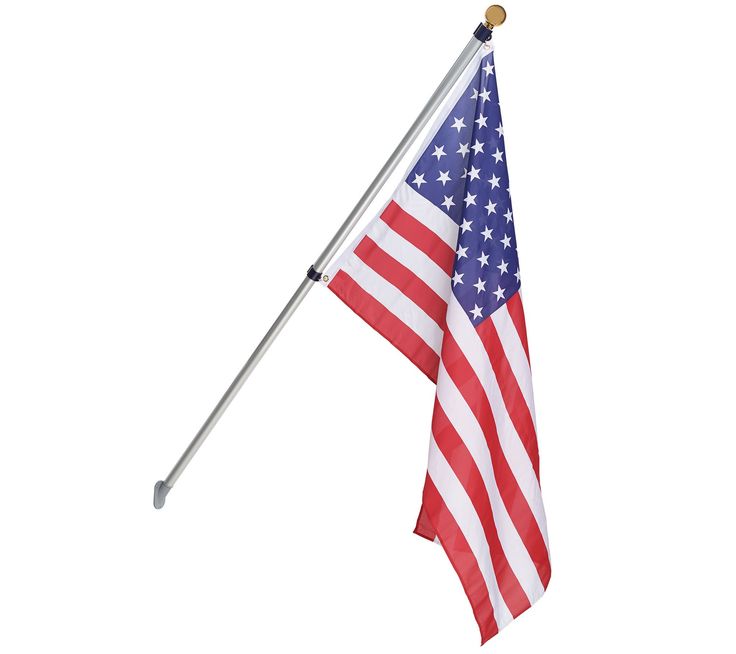
American Flag on Pole with Transparent Background
The American flag, a symbol of unity, freedom, and patriotism, is a ubiquitous sight on poles across the nation. But what if you need an image of the American...