Enhance Your Arsenal: Add Another Tool to Your Toolbox
When facing a complex problem or project, having a varied set of tools at your disposal can significantly improve your ability to tackle and overcome challenges. This is why adding another tool to your toolbox can be a game-changer. But how do you choose the right tool, and how can you effectively integrate it into your existing workflow?
Just like a carpenter would not rely on a single hammer for every task, individuals should aim to build a versatile skillset and toolbox capable of handling diverse tasks. This article will guide you through the process of selecting and incorporating a new tool into your existing repertoire, ensuring the best possible results.
Assessing Your Current Toolbox
Before adding a new tool, it's crucial to understand your current capabilities and areas of expertise. Consider the following:


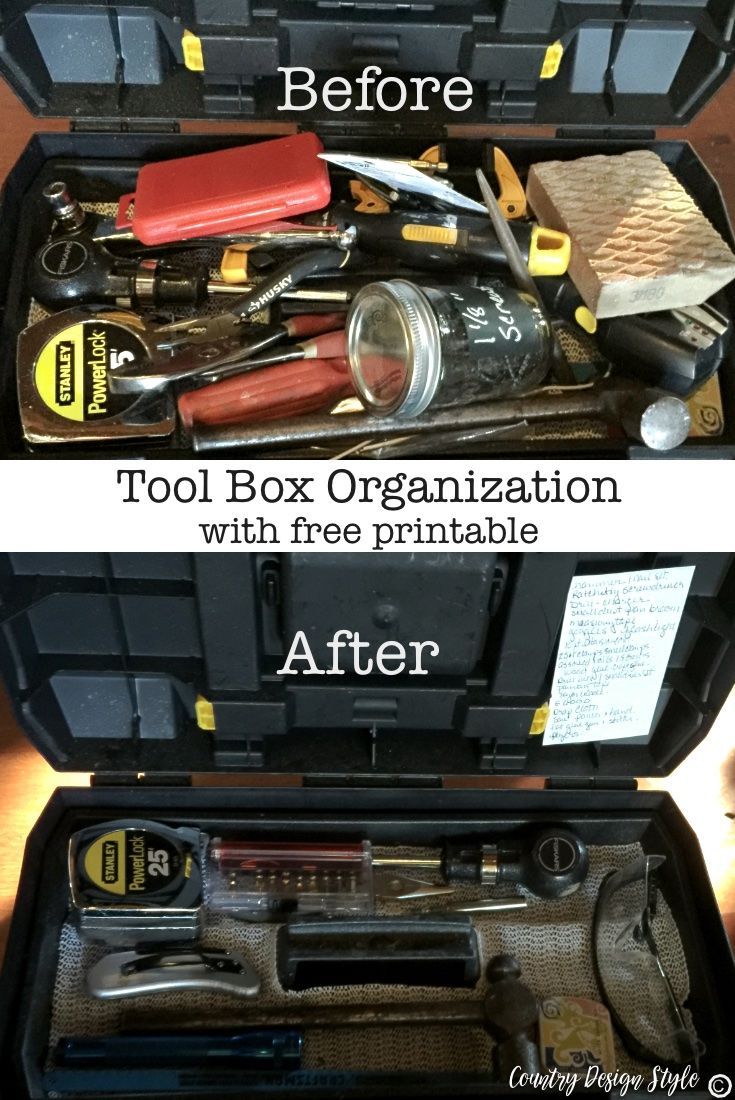
- Identify your strengths and weaknesses
- Evaluate the tools you're already using
- Assess the outcomes and results achieved with your current tools


Identifying Gaps and Needs
Identify areas where your current tools fall short. Are there specific tasks or projects that you find challenging or time-consuming?
For instance, if you're a writer, you might struggle with creating visual content. In such cases, learning a graphic design tool like Canva can significantly enhance your skillset and workflow.
Researching Potential Tools
Once you've identified the gaps in your toolbox, research possible solutions. Read reviews, watch tutorials, and compare pricing to find the best tool for your needs. For example, if you're looking to improve your project management skills, tools like Asana, Trello, or Monday.com each have their unique benefits and drawbacks.


Remember to consider how the new tool might integrate with your existing ones. For instance, using tools with strong API capabilities or supporting integrations can create seamless workflows.
Learning and Integrating the New Tool
After selecting a new tool, the next step is to learn and integrate it into your toolbox. Here's how to approach this:
Mastering the Basics
Start by learning the fundamentals of your new tool. Many services offer tutorials, documentation, or even guided onboarding processes. Don't rush through this stage; a solid foundation will help you maximize the tool's potential in the long run.


Practical Application
Apply your newfound knowledge to real-world tasks. Working on actual projects will help you build muscle memory and truly understand the tool's capabilities and limitations. You might also discover unique features or hidden functionalities that further enhance its value.
For instance, if you've just started using a new project management tool, apply it to an upcoming project. Track progress, organize tasks, and communicate with your team. Reflect on what worked well and what could be improved.
As you become more comfortable with your new tool, gradually incorporate it into your daily workflow. This might involve reconfiguring your processes, creating new habits, or even updating your existing checklists and templates. With time and practice, using the new tool should feel as natural as any other part of your toolbox.
Embracing continuous learning and expanding your toolbox is a lifelong journey. By reflecting on your strengths, identifying gaps, and strategically adding new tools, you'll create a powerful set of resources to tackle even the most complex challenges. So go forth, explore, and Happy tooling!
Related Articles

Unveiling the Power of Adjustment Layer: A Vital Tool for Your Design Toolbox
The power of Adobe Photoshop, a staple in the digital image editing world, lies in its extensive feature set, one of which is the Adjustment Layers. This...

Enhance Your Art Skills: Fun Intermediate Drawings
Welcome to the wonderful world of intermediate drawings! If you're reading this, it's likely that you've already dipped your toes into the vast ocean of...

Music Notes Header Ideas: Enhance Your Website's Aesthetic
In the universe of music, the humble music note serves as the building block for every chord, melody, and symphony. Represented by visual symbols, these notes...

Jade Regent Banner: Enhance Your Website's Aesthetic
When the subject of exquisite and historic banners arises, one name often stands out: the Jade Regent Banner. This iconic symbol, synonymous with the Qing...

Golden Stream Overlay: Enhance Your Live Streams
Investing in agold stream overlay can significantly enhance the visual appeal and professionalism of your video content. Whether you're a streamer, vlogger, or...

Top Rice Recipe Ideas: Creative Ways to Enhance Your Meal
Ever found yourself staring at a mound of freshly cooked rice, wondering what delicious topping could transform it into a spectacular meal? You're in luck!...